Settings
Windows
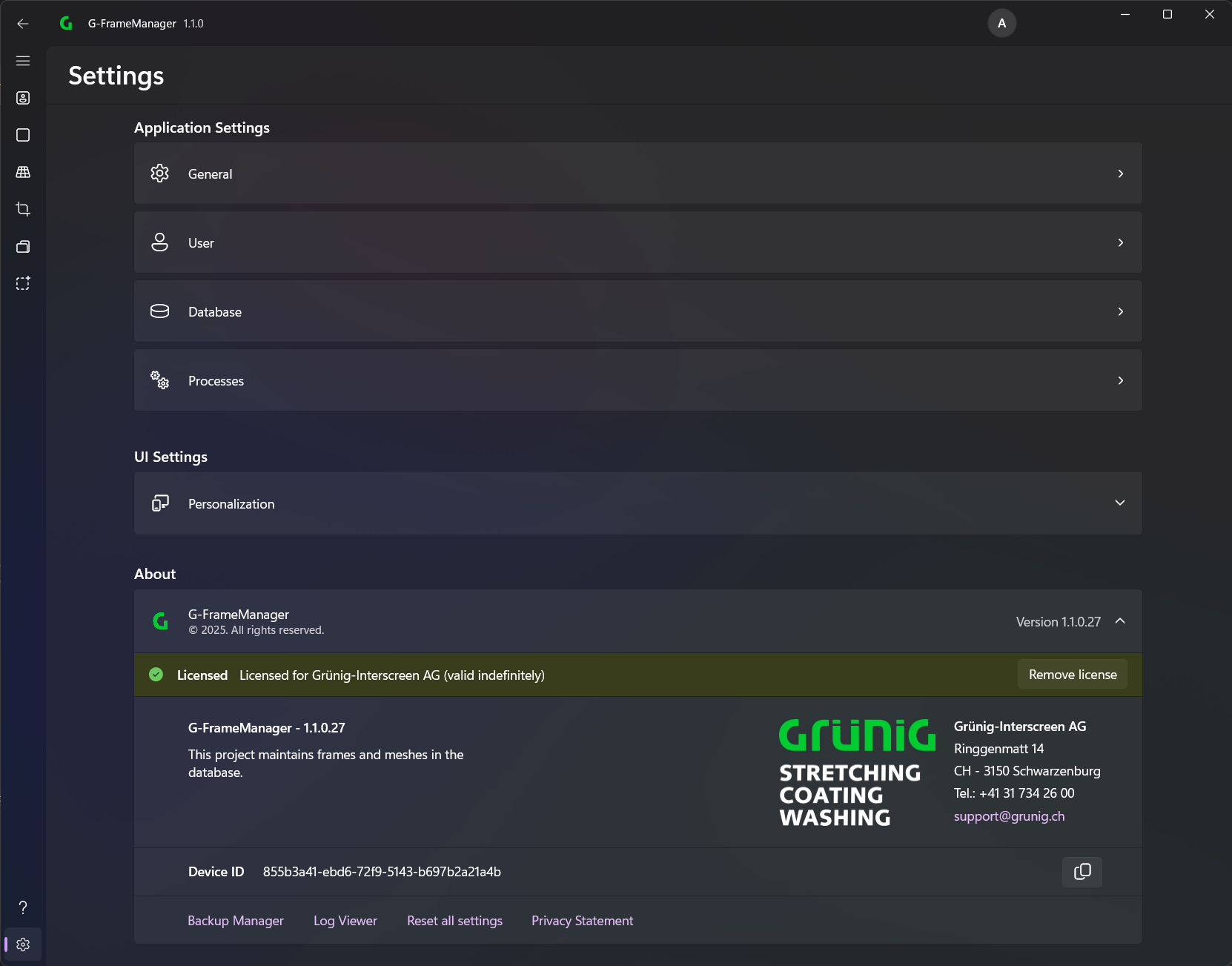
Application Settings
Under Application Settings you can adjust the various settings of the application.
UI Settings

Here you can change the design and language of the application.
Advanced settings

Backup Manager
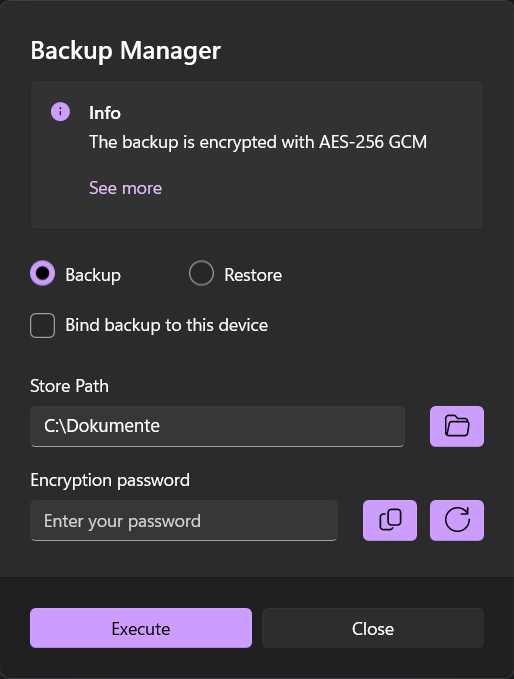
With the backup manager, all settings of the application can be saved/restored.
Log Viewer
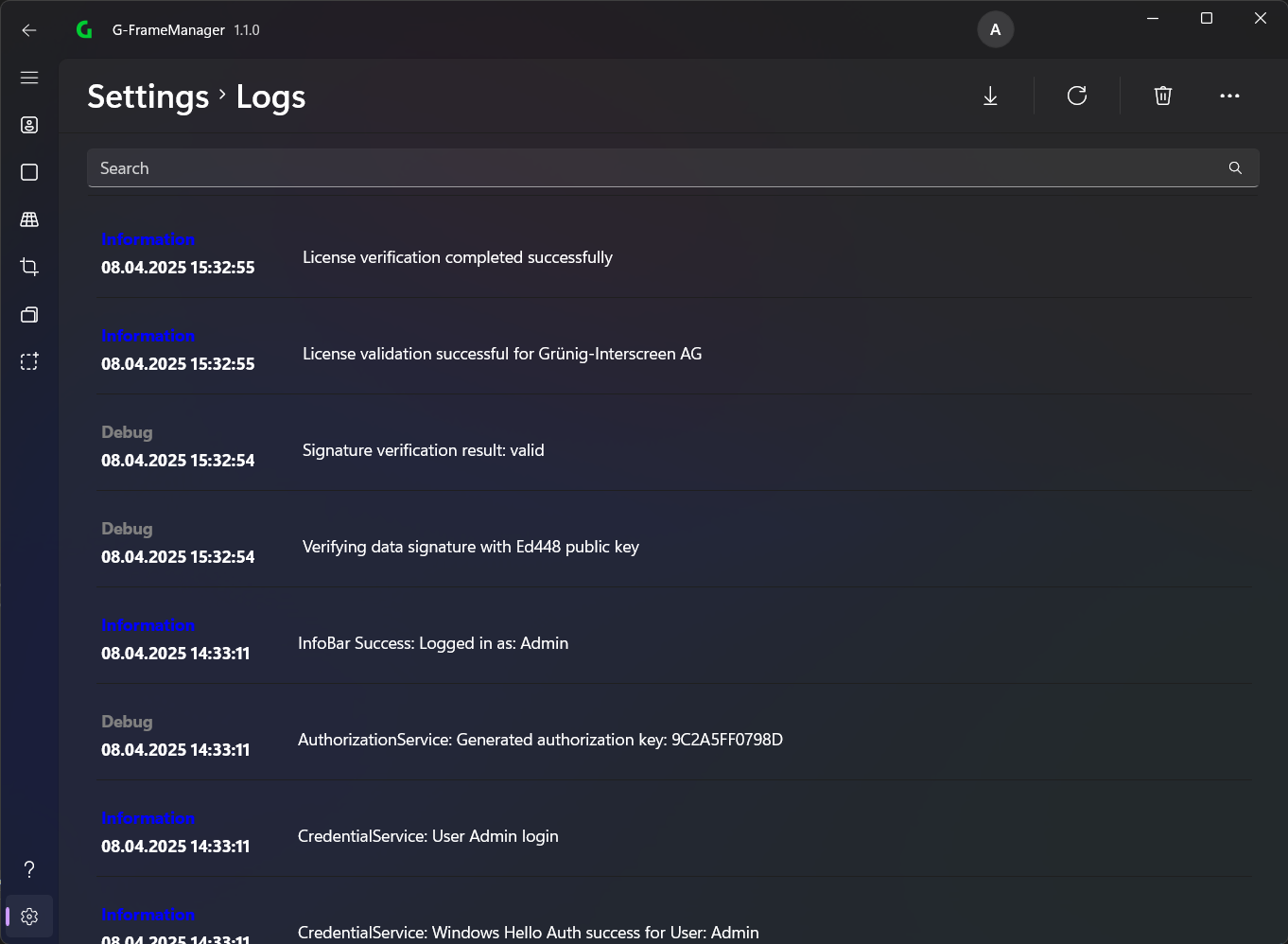
If problems occur with the application, they can be viewed in the LogViewer. These can also be downloaded to share with Grünig Support.
Reset all settings
This setting can reset all settings to default.
Android
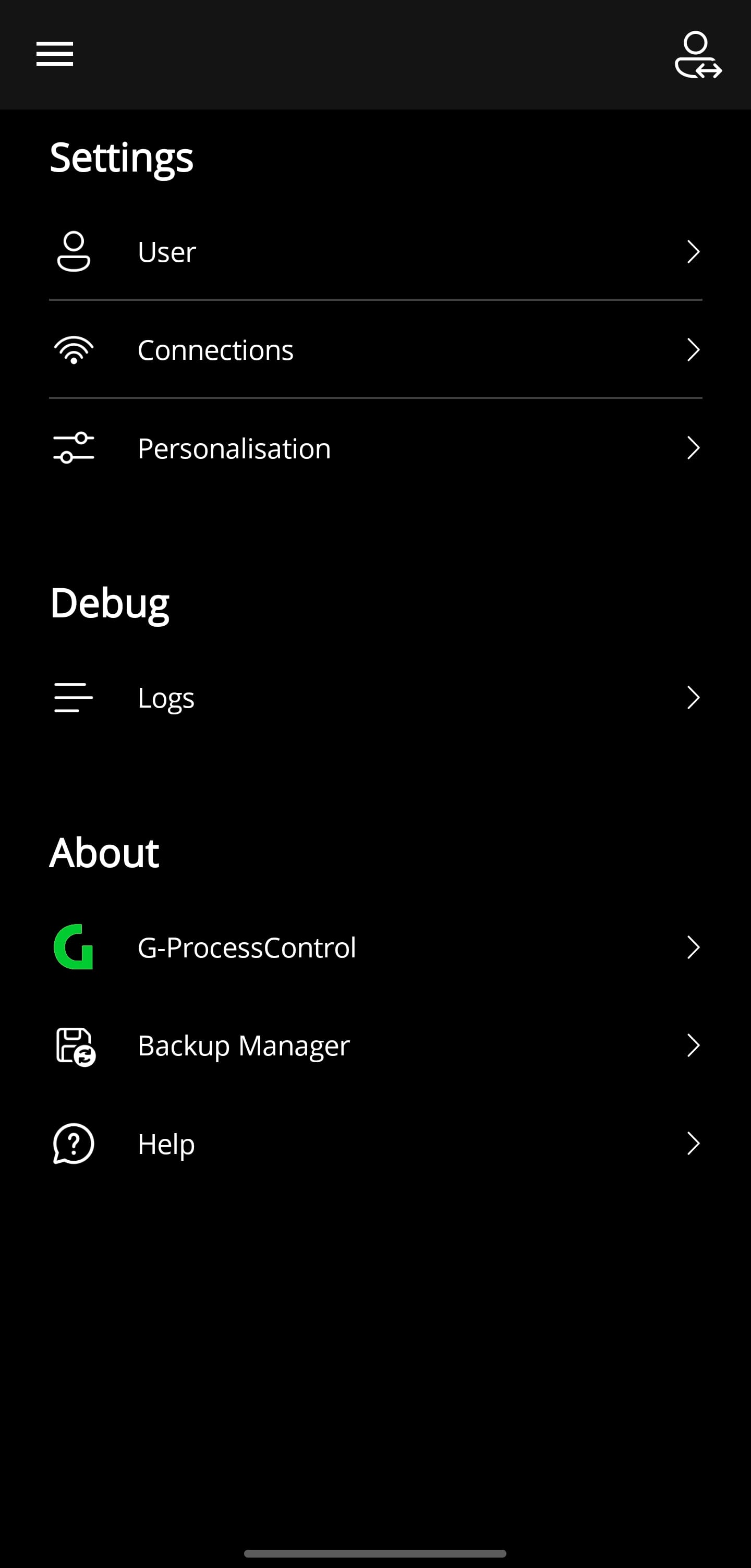
Android Application Settings
Under Application Settings you can adjust the various settings of the application.
Personalisation
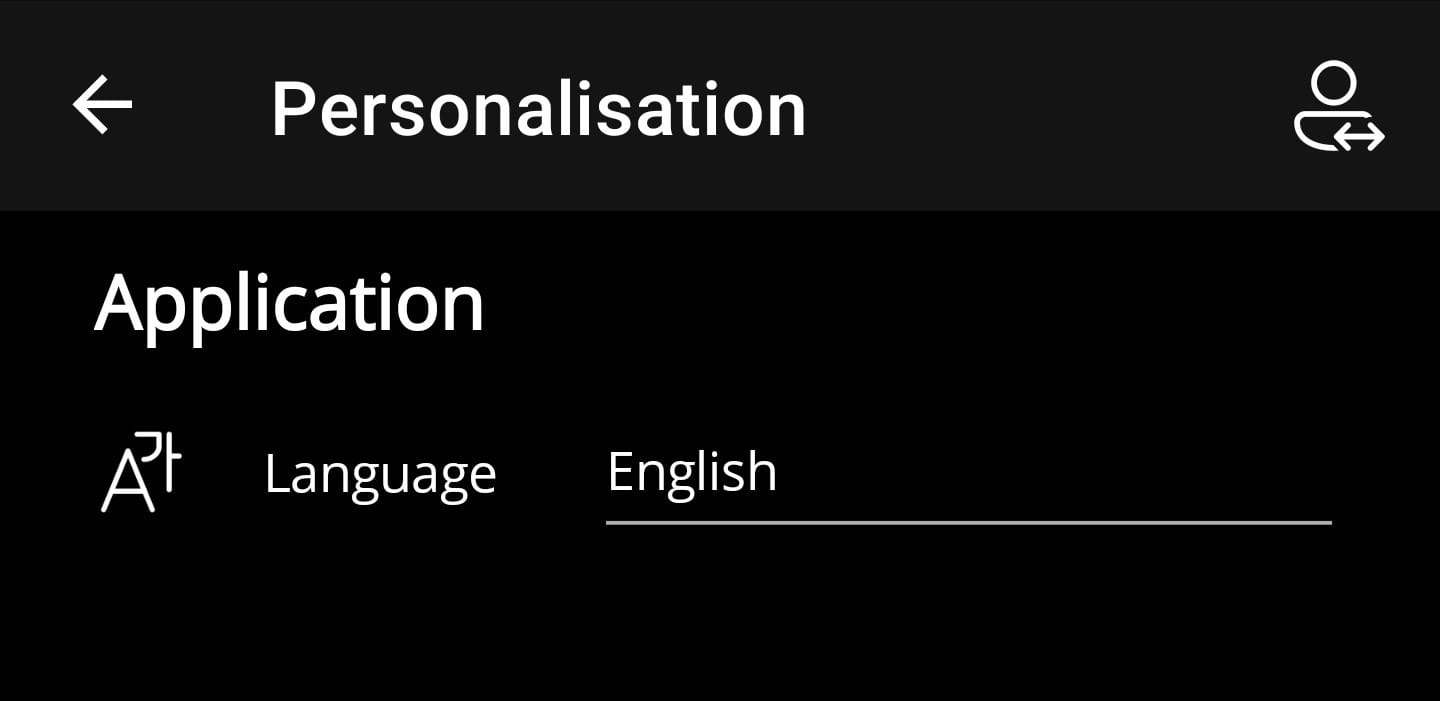
Here you can change the language of the application.
Android advanced settings

Log Viewer
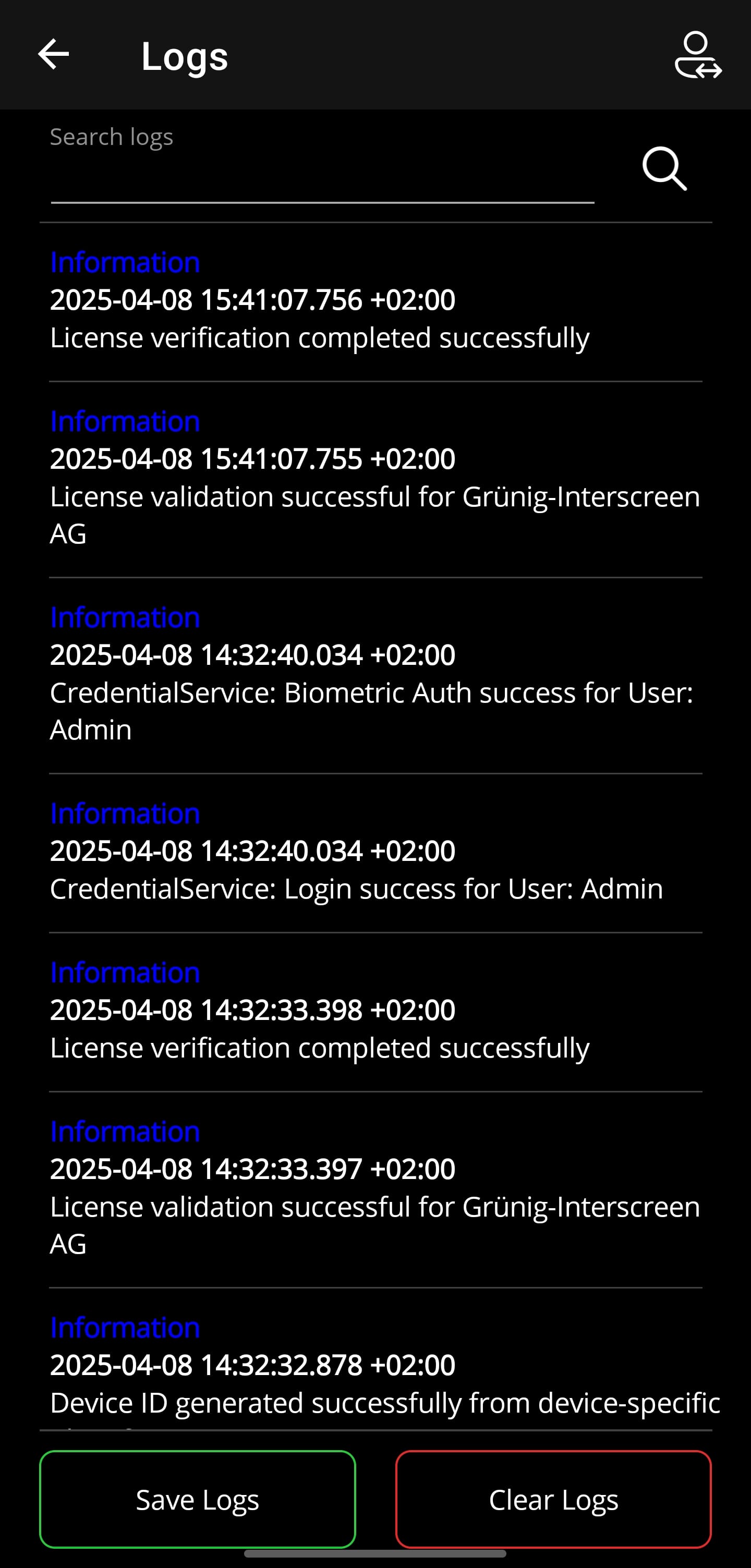
If problems occur with the application, they can be viewed in the LogViewer. In case of problems, these should be shared with Grünig Support.
Backup Manager
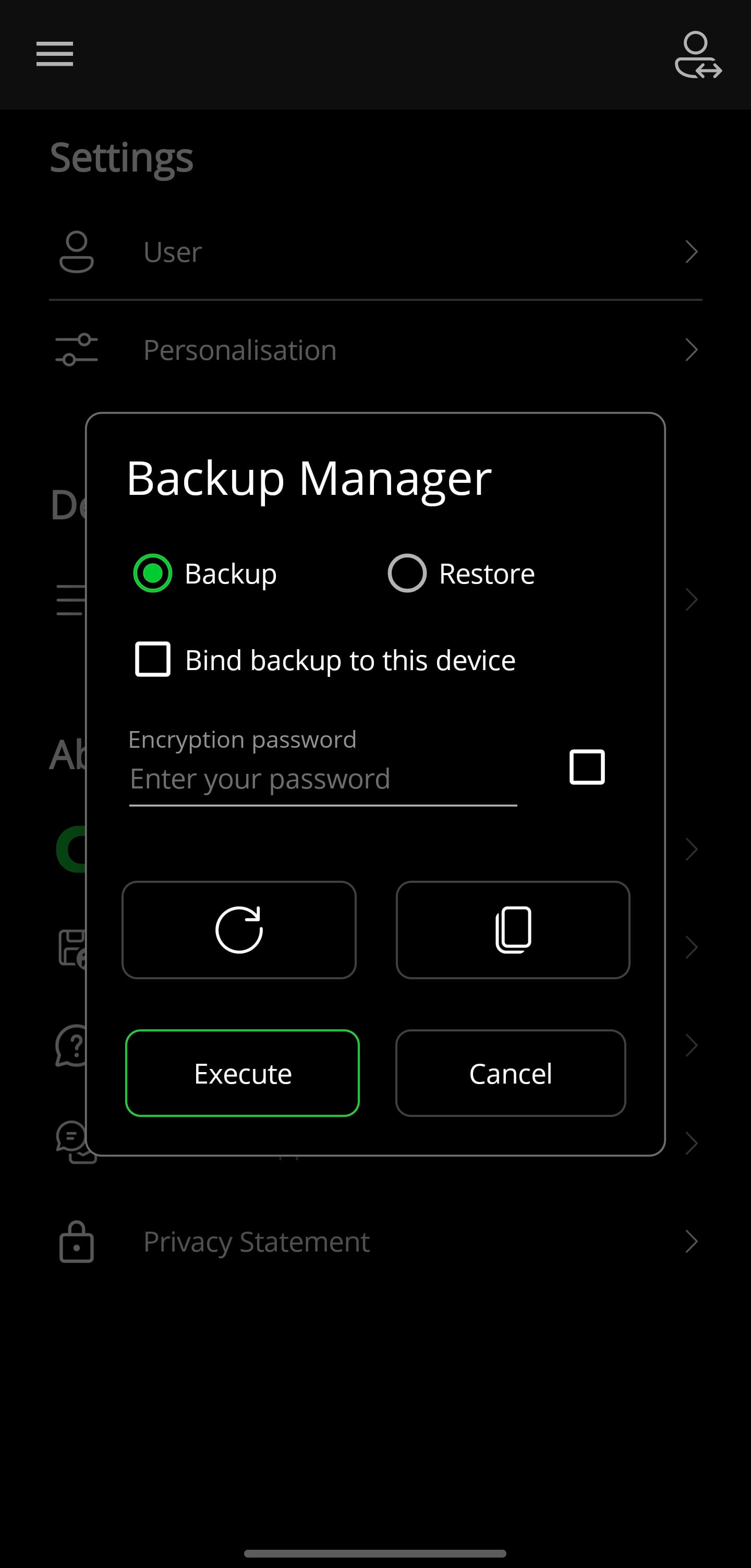
With the backup manager, all settings of the application can be saved/restored.