User Interface
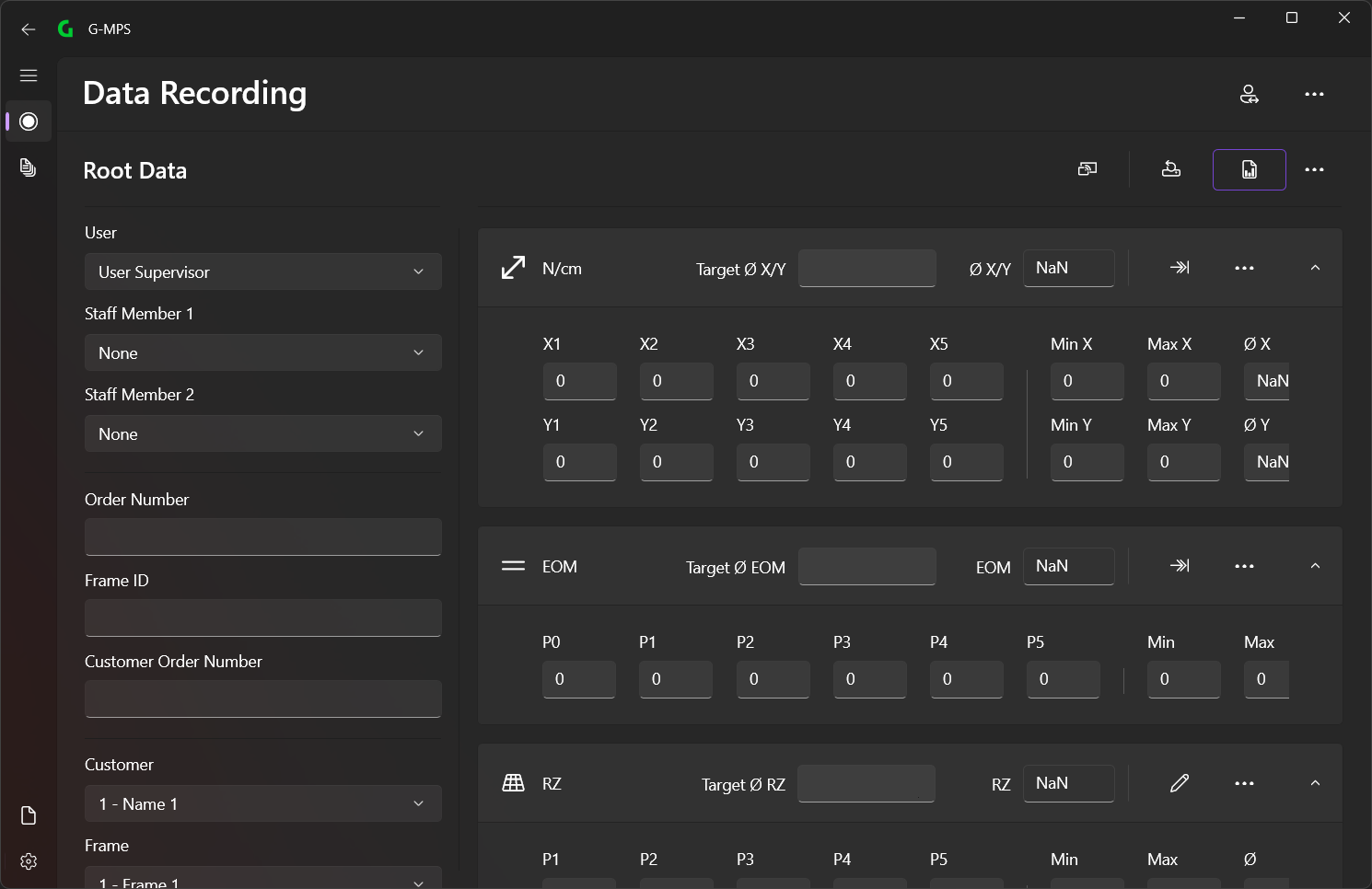
Uniform UI Design
Our applications for Windows are characterized by a uniform and user-friendly design that ensures a consistent user experience. This design principle ensures that all apps offer a similar structure and familiar navigation.
Key features of the UI design
- Top Menu Toolbar: At the top of each application there is a menu bar that provides specific functions and tools for the current page. This toolbar allows quick access to important actions and settings that are relevant to the respective action.


- Vertical Navigation Panel: On the left side of each application there is a vertical navigation panel. This panel makes it easier to navigate between the different pages and application areas. It provides a clear and structured overview of the available modules and functions, so that users can switch between them quickly and intuitively.

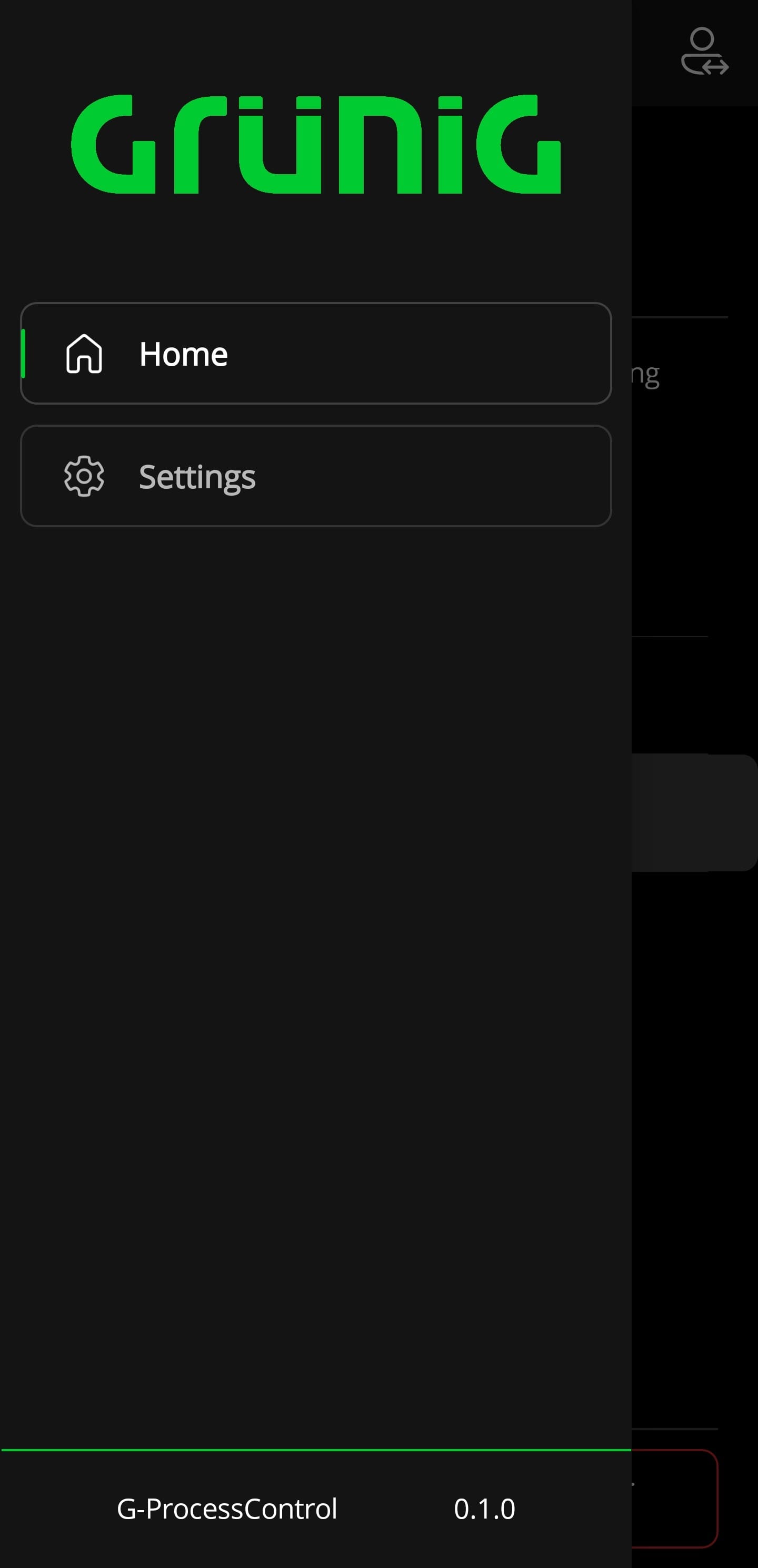
This uniform layout offers several advantages:
- Consistency: The consistent structure of all apps allows users to quickly find their way around, regardless of which specific application they are using.
- Ease of use: The clear and intuitive design makes it easier to use and reduces the learning curve for new users.
- Efficiency: The well-structured menu and navigation bar allows quick access to frequently used functions and improves workflows.
Our goal is to provide a seamless and efficient user experience that supports and optimizes your business processes. With our unified Windows UI design, you can be sure that you always have full control over your applications and can work efficiently.